 TopoTopo
TopoTopo is an open-source procedural geometry engine. You describe geometry as a node graph in JSON; the engine cooks it headless and deterministic, and exports it to Unreal, Blender and Houdini. Built for LLM agents through MCP, and for people through the CLI. It runs on Node and WebAssembly with no GPU, every cook is reproducible from the graph and its seeds, and the core is browser-ready.
272 node types · 37 ready-made outputs in 4 packages · 25 example graphs · Apache-2.0
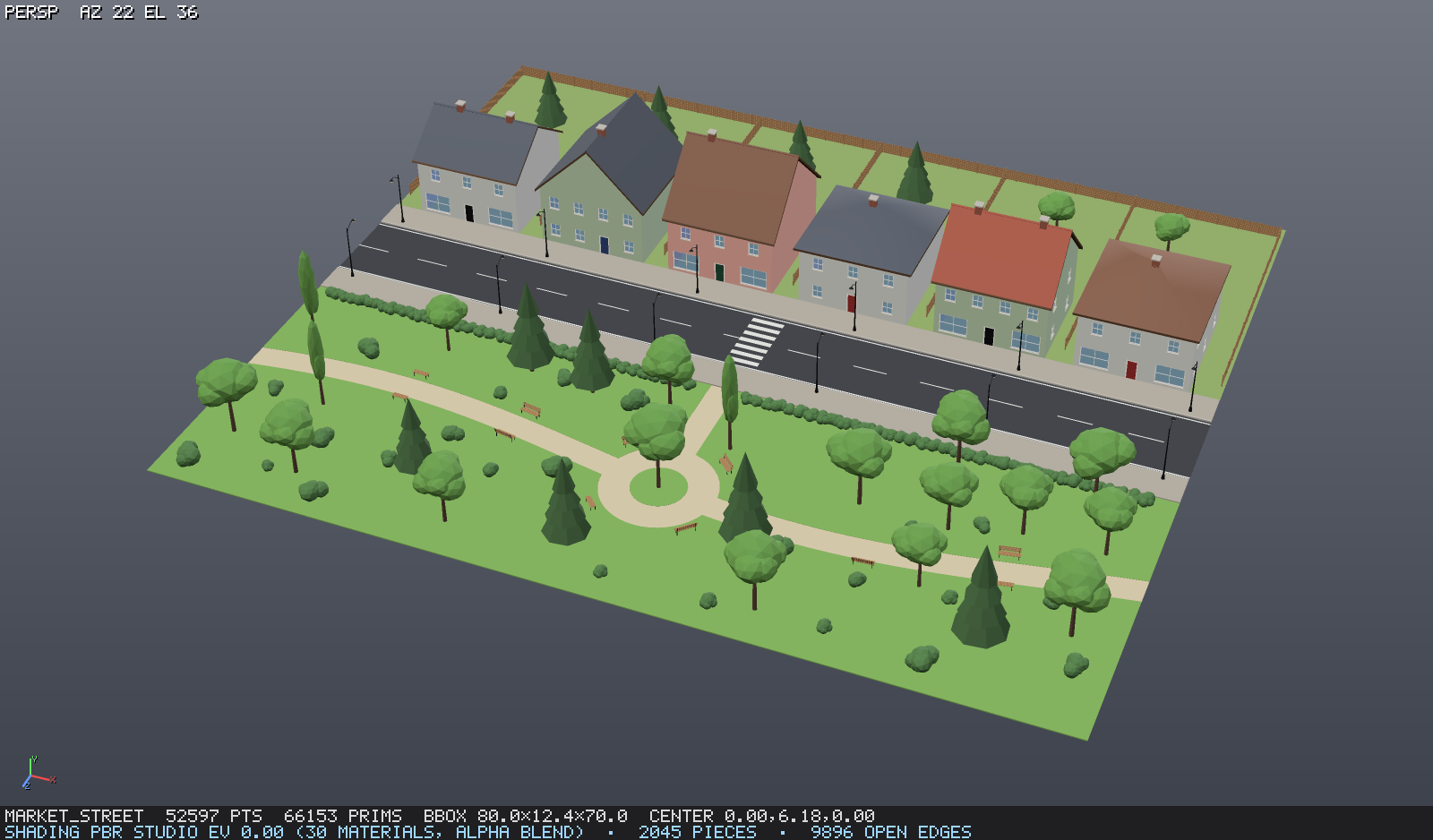
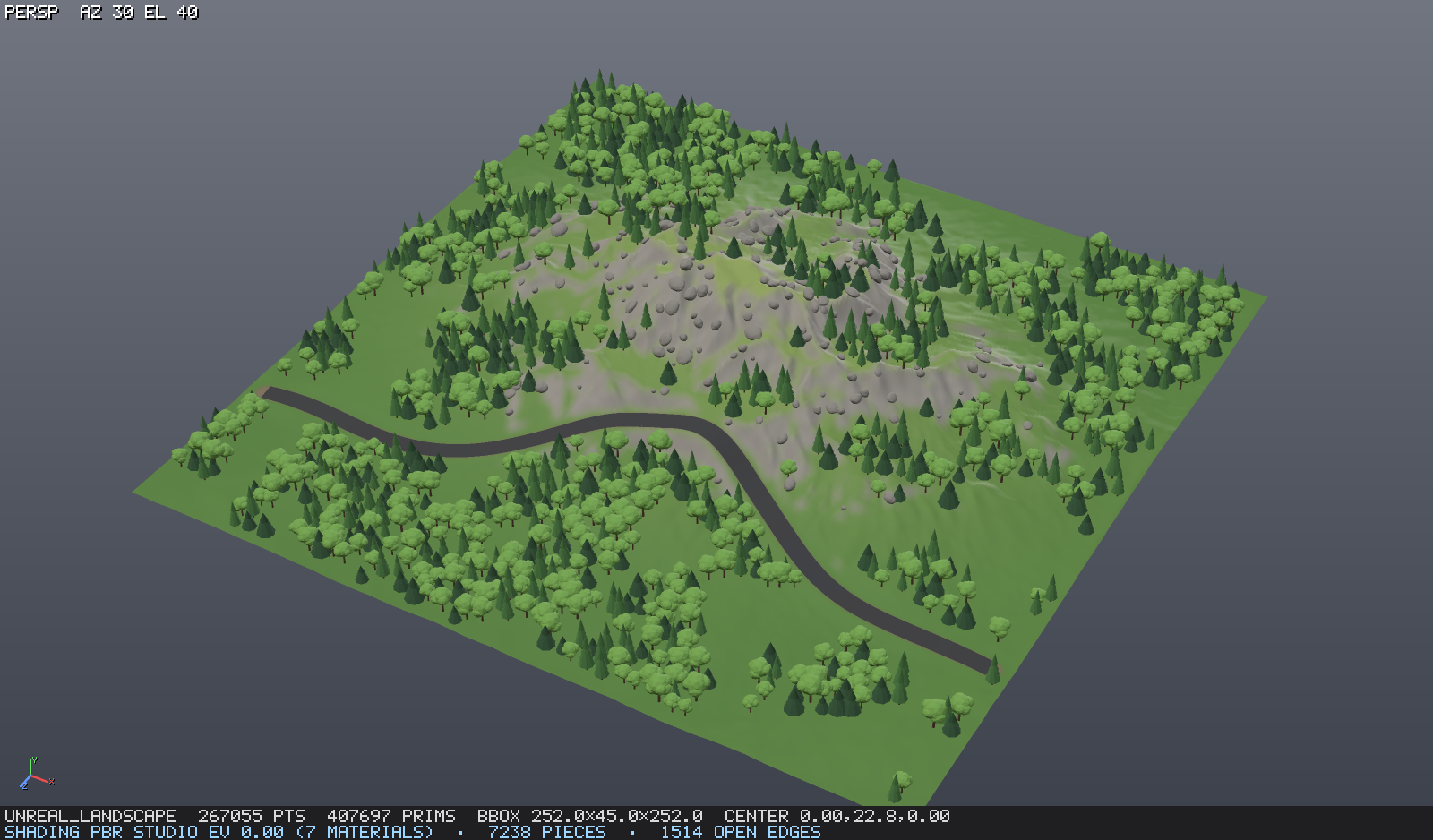
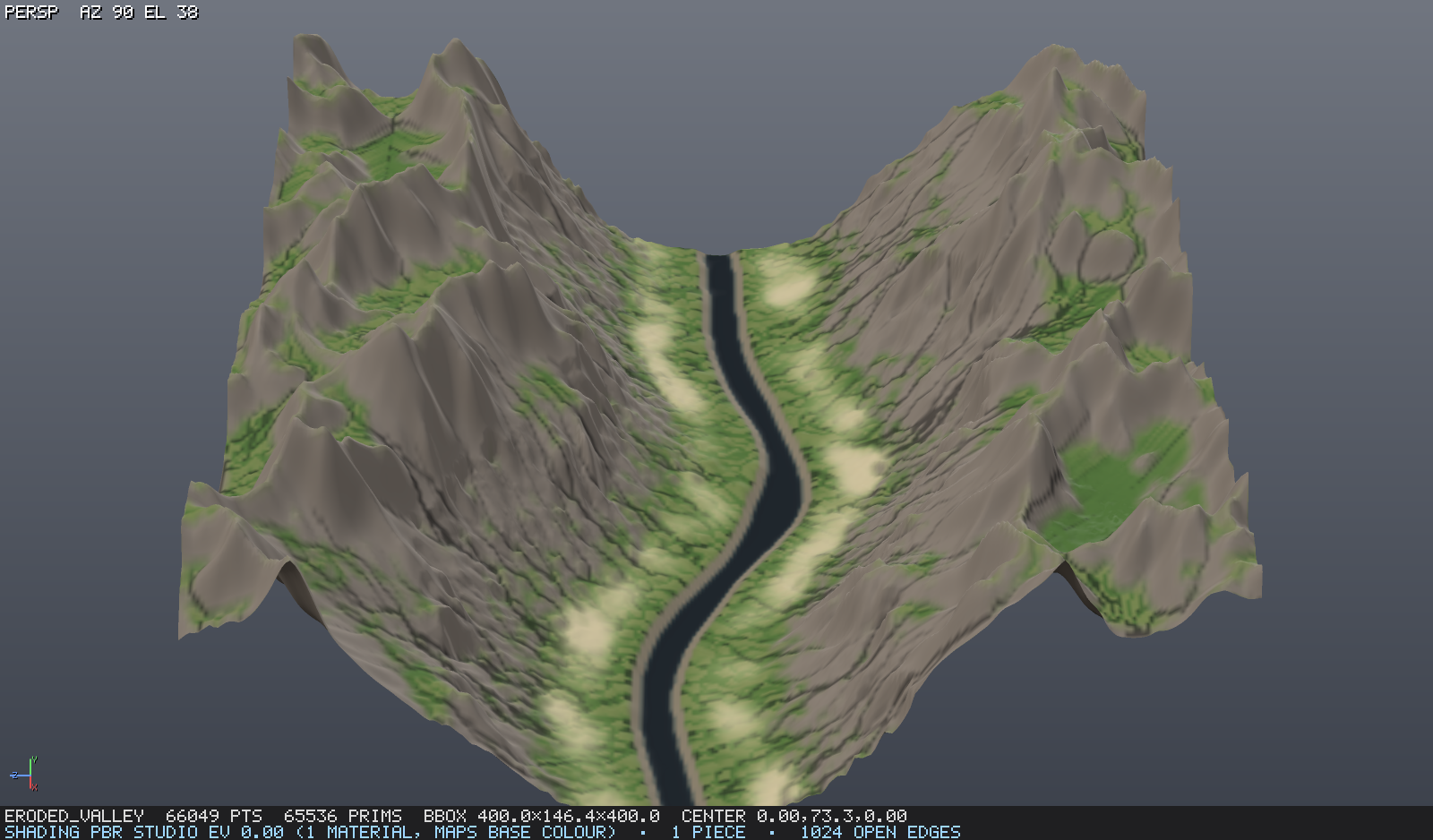
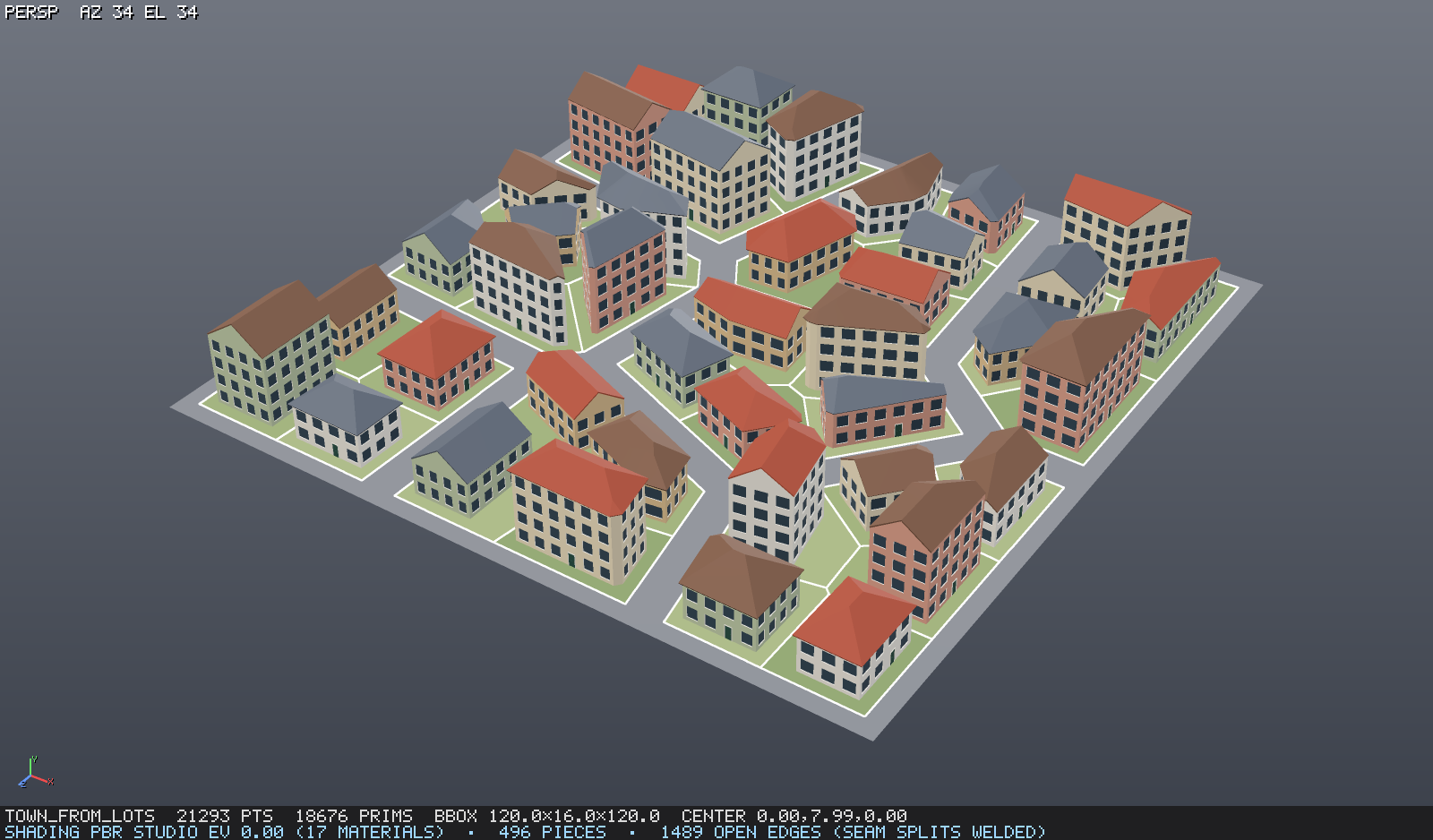
What it does
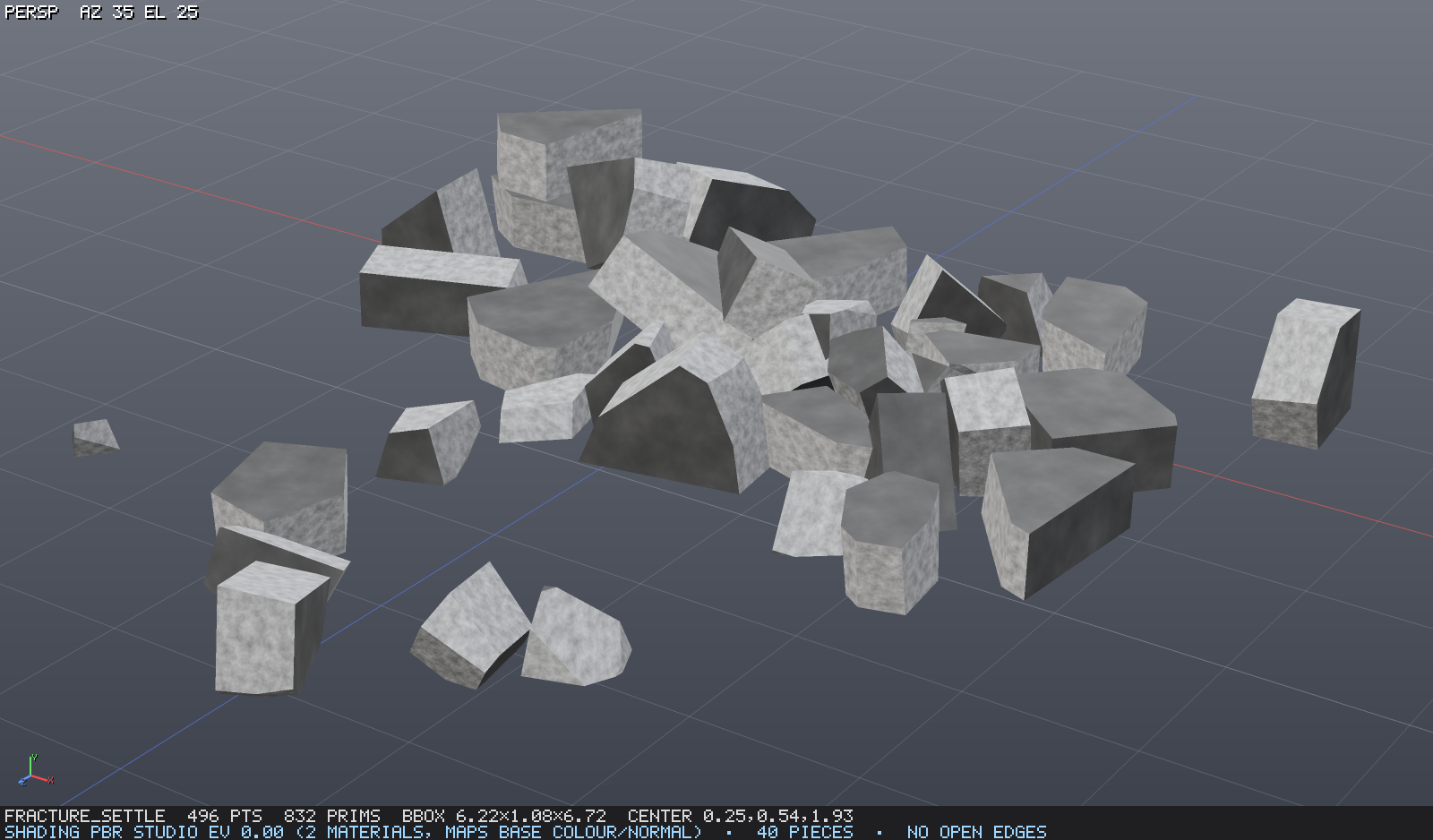
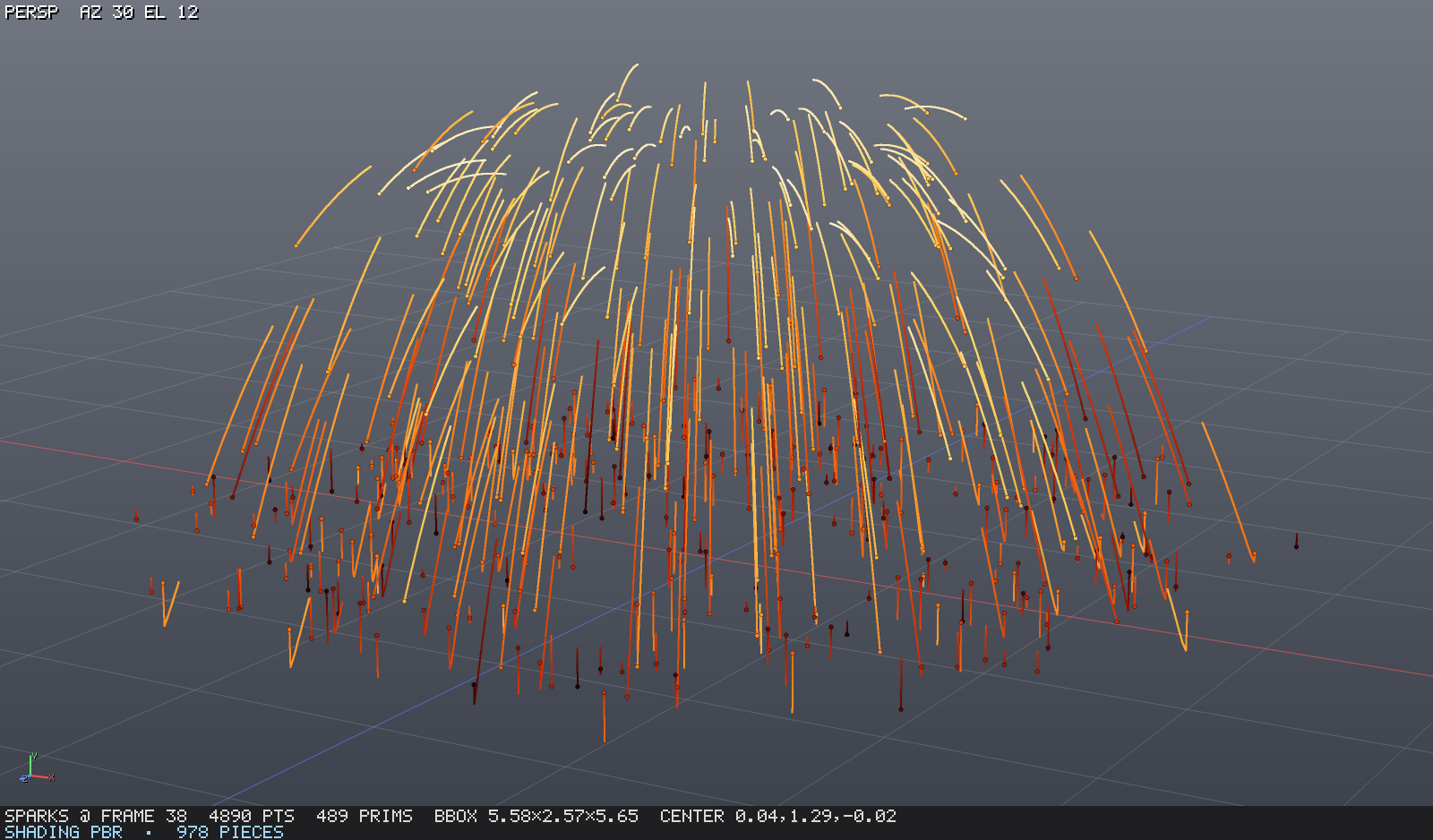
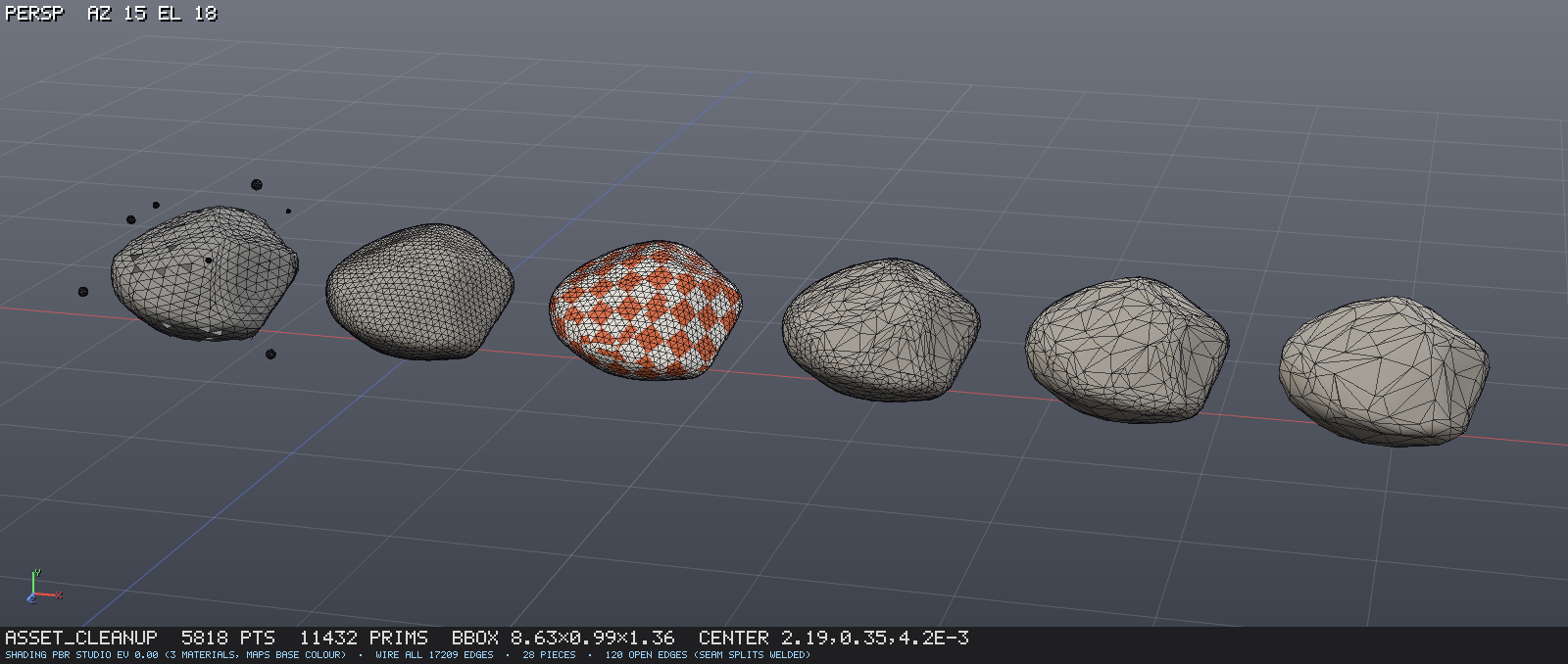
200+ node types: generators, curves and splines (Bezier/NURBS), sweeps, deformers, attributes and groups, polygon modelling (bevel, knife, bridge, quad fill), UVs (xatlas unwrap, LSCM), remeshing (isotropic, quad, voxel) and LOD, scattering and instancing, robust booleans, Voronoi fracture, an SDF/implicit toolkit and sampled SDF grids, heightfield terrain (masks, hydraulic and thermal erosion, roads, scattering), procedural textures and bakes, cloth draping and inflation (XPBD), L-systems, text, loops, a frame solver, in-graph checks, and code nodes. TopoTopo's own packages, ready-made generators (walls, houses, roofs, stairs, props, trees, rocks, roads, PCG helpers), are used like nodes. Every node documents its params and carries an example that is cooked in the tests.
Familiar to Houdini users: SOP-style nodes, attributes, groups and
.geoexport; Houdini node names work as aliases. Blender Geometry Nodes and Unreal PCG users will recognise the rest.Rust/WASM kernels: a straight skeleton (pitched roofs and polygon offsets from any footprint, holes included), sampled SDF grids with CSG, morphology and sharp dual contouring (
voxel_remesh), field-aligned quad remeshing (remesh_quad), and heightfield erosion and drainage (virtual-pipe and stream-power models, D8/D-infinity flow) are compiled from a Rust crate in kernels/ to WebAssembly: deterministic, no native build.Time: every cook happens at a frame. Only time-dependent nodes re-cook when the frame changes, and the
solvernode advances a simulation frame by frame from its cached previous state.Agent and MCP support: TopoTopo ships an MCP server, so LLM agents can build graphs in one call, read text summaries, look at a multi-view render, edit incrementally with content-hash caching, and verify their work with
assert,explainanddiff. JS escape hatches (wranglewith@Psyntax,script,sdf_expr) cover what the node library does not.Pipeline output: glTF/GLB through gltf-transform (materials from the
materialnode with embedded base colour, normal, roughness and ORM maps, including textures generated in the graph, vertex colours, uv, custom attributes, polylines and points; optional meshopt compression and quantization), Houdini.geo(every attribute and group, packed prims asPackedGeometry), CSV point streams with Unreal PCG columns, points JSON, USDA (UsdPreviewSurface materials), OBJ, PLY, STL and lossless JSON, with Y/Z-up and scale. Mesh splitting follows thenameattribute, for Unreal, Blender and Houdini. Thefilenode reads the same formats back (glTF with meshopt and external buffers,.geoand uncompressed.bgeo, CSV).Scene and folder import. Give the
filenode a GLB/glTF scene, a.blendfile, or a folder of models. Scene empties become points, shared meshes stay packed, and object names, hierarchy paths and custom properties arrive as attributes..blenduses Blender's own headless exporter (install Blender;TOPOTOPO_BLENDERselects the executable). Folders load supported files in name order;nameis the file stem, or<stem>/<name>for files with multiple object names, ready forcopy_to_points {variants: 'name'}.Instancing: packed primitives (Houdini's packed prims) keep a million copies as a million points plus one shared mesh:
copy_to_points {pack: true}(with variants),pack,unpack. Transforms, merges, deletes and attribute nodes work on the instances; other nodes unpack them automatically with a warning. GLB export writesEXT_mesh_gpu_instancingwith per-instance attributes, USDA aPointInstancerwith per-instance primvars, CSV and points JSON an instance stream (one row per instance with its transform and aMeshcolumn, plus a sidecar and one GLB per source mesh, for Unreal PCG), and the renderer draws them within a triangle budget.Terrain: heightfield volumes with noise, masks, erosion (droplet, virtual pipes, stream power, thermal), drainage maps, roads and scatter; export as Unreal Landscape heightmaps (16-bit PNG or RAW
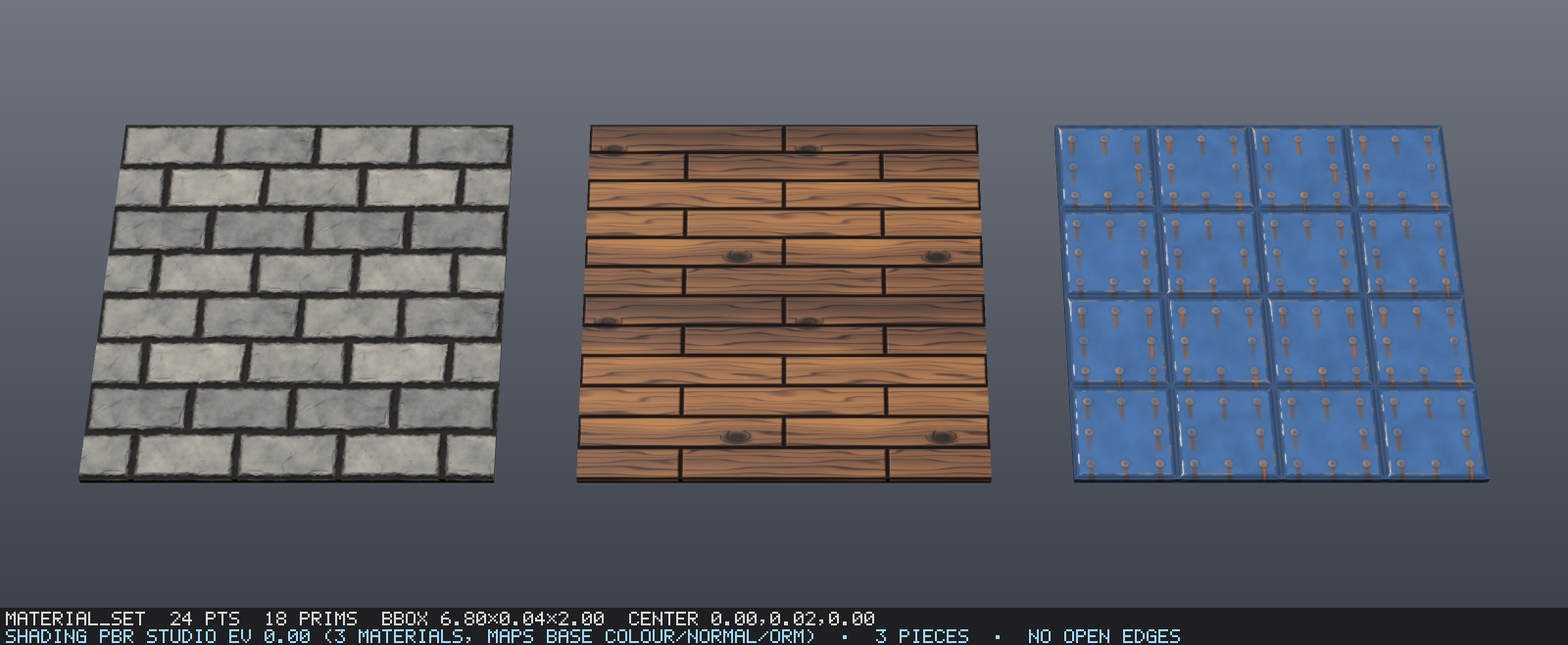
.r16with a JSON sidecar holding the import scale) and 8-bit weight layers, or as oneunreal_landscapebundle: heightmap, every layer, a manifest with the exact Landscape import settings, the meshes and the instance stream.Textures: a Substance Designer / Houdini Copernicus style image node family for PBR materials (noise, patterns, cells, grunge, shapes and signed distance fields with offsets, booleans and bevels, flood fill, blends, levels and histogram tools, warps, slope and directional blur, make it tile, normal, height, curvature and AO conversions, channel packing), with widths and distances in metres so a graph gives the same maps at any resolution, and bakes from meshes in uv space (AO, curvature, thickness, normals and height from a high-res mesh, island ids, masks, vertex colour). Your own PNGs (8 or 16 bit, grey or colour) load as images with
image_fileand go through the same nodes. Images travel with the geometry, materials reference them asimage:<name>, and glTF/USD exports carry them, so assets ship with textures whose licence is the graph's.Live preview and controls: a local three.js page that refreshes whenever a graph changes. Click any node to see its result. A graph's exposed
paramsappear as sliders, checkboxes, selects and colour pickers; dragging one re-cooks only the nodes that read it, the newest value replacing a cook still running, and the page shows which node is cooking and for how long, with a Stop button. Drop your own files anywhere on the page: they land in the packageinputs/folder (withtopotopo view, theinputs/folder beside the graph file), show as grey reference layers (a PNG as a flat picture), andfilenodes read them asinputs/<name>.
Install
Requires Node ≥ 22.18.
npx topotopo --catalog                                      # node types by category
npx topotopo --help-node scatter                            # one node's params, defaults and example
npx topotopo --help-topic export                            # a help topic (the MCP help tool's text)
npx topotopo graph.json --render out.png --export out.glb   # cook, render, export
npx topotopo graph.json --export-all                        # every output's export target, into its package's exports/
npx topotopo view graph.json                                # live 3D viewer, re-cooks on save; drops go to its package's inputs/
npx topotopo refresh graph.json generated.json             # a regenerated graph over graph.json, keeping the values a person tuned
npx topotopo mcp --package /absolute/path/to/package    # the MCP server over stdio
From a clone (Node runs the TypeScript sources directly, there is no build step):
git clone https://github.com/topotopo-dev/topotopo
cd topotopo
npm install
npm test
Connect an agent (MCP)
TopoTopo ships an MCP server: an agent builds a graph in one call, looks at a render, edits it incrementally and checks its work. With Claude Code:
claude mcp add topotopo -- npx -y topotopo mcp --package /absolute/path/to/packageOther MCP clients (Claude Desktop, …):
{
  "mcpServers": {
    "topotopo": {
      "command": "npx",
      "args": ["-y", "topotopo", "mcp", "--package", "C:/path/to/package"]
    }
  }
}
Tools:
- catalog
- help
- build
- edit
- inputs
- inspect
- render
- export
- graphs
- assets
- explain
- diff
- preview
- workspace
A first graph
A graph is JSON: named nodes, their inputs and params. Save this as graph.json and cook it with npx topotopo graph.json --render out.png --export out.glb.
{
  "vars": { "count": 200 },
  "nodes": {
    "ground": { "type": "terrain", "params": { "size": [30, 30], "height": 3 } },
    "pts":    { "type": "scatter", "in": ["ground"], "params": { "count": "=count", "seed": 1 } },
    "rock":   { "type": "sphere", "params": { "type": "ico", "level": 2, "radius": 0.3 } },
    "rough":  { "type": "noise_displace", "in": ["rock"], "params": { "amplitude": 0.08, "frequency": 4 } },
    "rocks":  { "type": "copy_to_points", "in": ["rough", "pts"] },
    "out":    { "type": "merge", "in": ["ground", "rocks"] }
  }
}
The conventions are Houdini's: Y-up, metres, degrees, and attributes such as P N Cd uv pscale orient up width name class.
An asset faces +Z, as in glTF and Houdini: the front view looks at it from +Z, the back view from −Z.